The short answer
Choose Yazar.io if you want ready-made sections for characters, places and lore, a built-in timeline and family tree, automatic links with little setup, and a free public wiki, kept online beside a manuscript in Word or Google Docs. Choose Obsidian if you want your notes as local Markdown files you control, full offline use and a structure you design yourself, and you are willing to build templates, timelines and family trees on your own. Yazar.io exports a book as Markdown it describes as Obsidian-compatible, but there is no import into Yazar.io, so moving the other way means retyping. This comparison is based on public documentation, not hands-on testing.
You can keep a novel’s world in a tool that already knows what a character, a family tree and a timeline are, or in a folder of linked notes where you decide everything. Yazar.io is the first kind. Obsidian is the second. The real question is how much of the system you want to build, and how much of it you want to hold in your own files.
This comparison is based on each product’s public documentation, not hands-on testing.
What you get on day one#
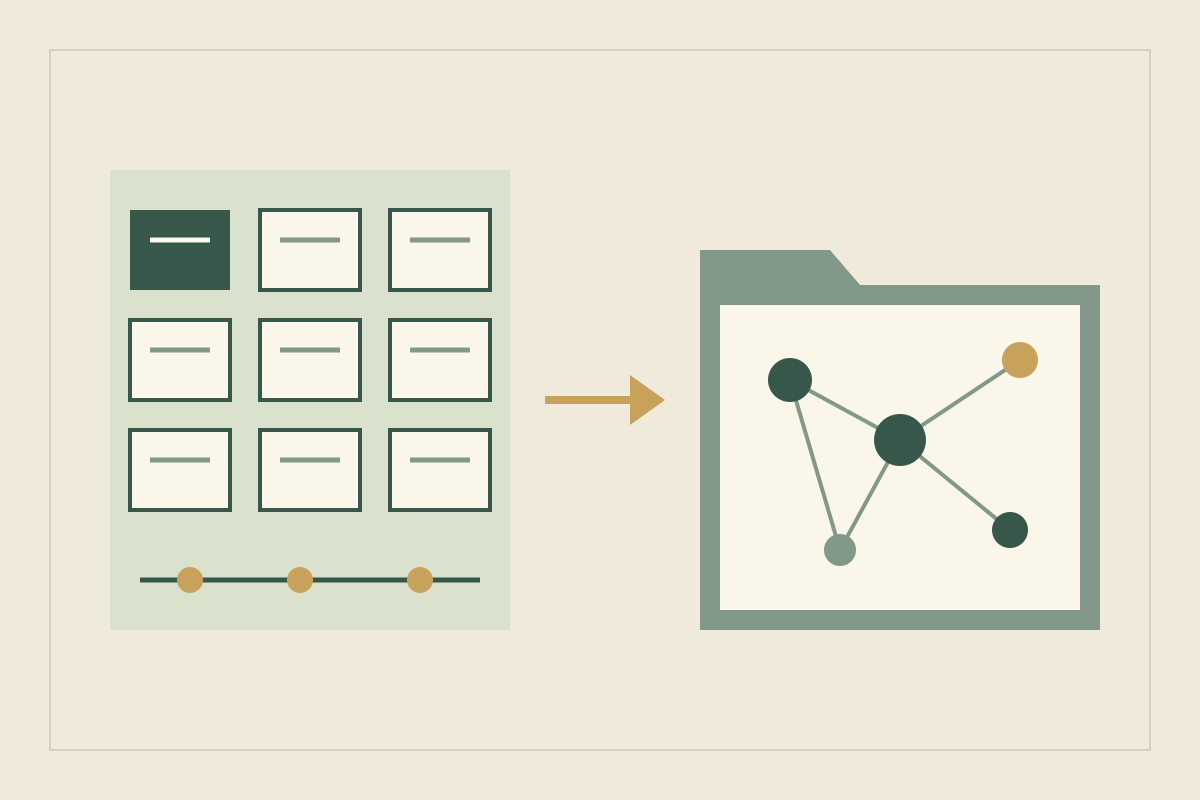
Yazar.io opens with the structure in place. A new book has sections for Characters, Locations, Organizations, Lore, Races, Creatures, Items, Spells, Beliefs and a Glossary, alongside a Family Tree, a Timeline and Notes, and a read-only sample book shows how they connect (features). You can rename a section for one book, turning Spells into “Power Systems”, and field templates decide which fields each section shows (updates). The manuscript stays in Word or Google Docs; Yazar.io is not a writing editor and does not generate text.
Obsidian opens with an empty vault: a folder on your computer, holding notes as Markdown plain-text files (storage). Nothing in it knows what a character is until you decide. You choose the folders, note types, properties and plugins, and some core plugins start disabled (core plugins). That freedom is the point, and it costs setup time. The small Obsidian notebook guide suggests starting with three kinds of note and adding structure only when finding things gets hard.
Follow one family through both tools#
Here is a sample small enough to enter in ten minutes. The Vane family keeps the monastery at Corrow, high on a mountain pass. Ada Vane runs its archive. Her younger sister Lis carries letters over the pass that the abbot would rather not see. Their grandmother founded the archive. One event matters: the avalanche winter that closed the pass for a year and trapped Lis on the wrong side.
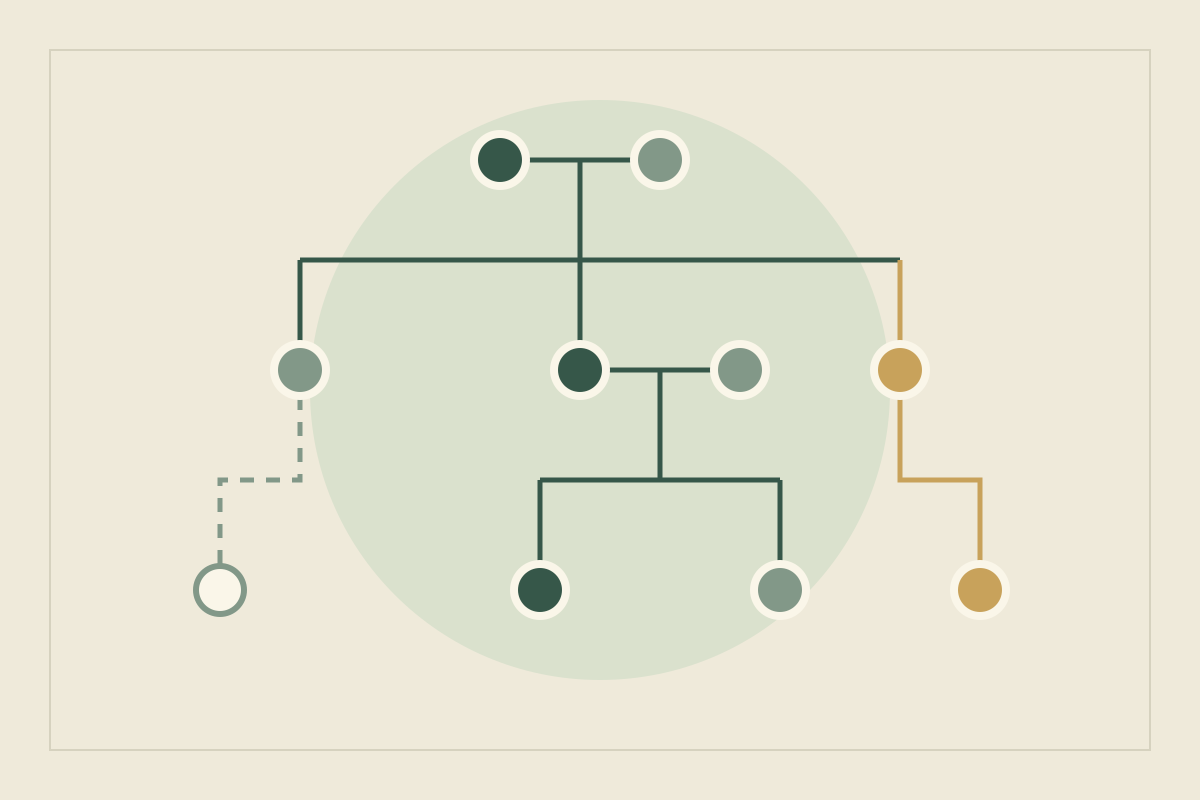
In Yazar.io, Ada and Lis go into Characters and Corrow into Locations. Give the sisters their mother as a parent relationship, and the mother hers, and the Family Tree fills in, ready to rearrange by dragging (features; updates). The avalanche winter becomes a Timeline event with both sisters as participants and Corrow as its location, so it appears on all three pages in order. Add a checkbox field, “Knows about the letters”, to the Characters template. The question of who betrayed Lis goes into Notes, which move through statuses from idea to used.
In Obsidian, create notes for Ada, Lis, Corrow and the avalanche winter, and link them with [[Lis Vane]]. Properties hold structured facts. A list property can hold links to parents, and a number property such as year: 412 suits an invented calendar, since date properties store real calendar dates (Properties). A base can show your event notes as a table sorted by that year (Bases). The family tree is a canvas where you place each relative as a card and draw the lines (Canvas). Every piece works, but you assembled each one.
Now move the avalanche a year earlier. In Yazar.io you edit one event and each linked page lists the new date. In Obsidian you change one property and the base re-sorts. In both, any sentence that mentions the old year is yours to find, and Obsidian’s Search plugin looks through the text of every note (Search).
Compare by task#
| Task | Yazar.io | Obsidian | Stronger fit |
|---|---|---|---|
| Setup effort | Sections, family tree and timeline ready; a sample book shows how they connect | An empty vault; you choose folders, properties, templates and plugins | Yazar.io |
| Structure | Ready-made sections you can rename, plus up to 3 custom sections on Pro | Whatever you design | Obsidian for control; Yazar.io for speed |
| Linking and backlinks | Names link as you type or with @; backlink panel on every page | Wikilinks; linked and unlinked mentions; links update on rename | Both; Obsidian also catches unlinked mentions |
| Local files and ownership | Entity descriptions, notes and custom field values stored encrypted with AES-256-GCM; export any time | Plain Markdown files in a folder you control | Obsidian |
| Offline use | Editing needs a connection; mobile apps show opened content during short drops | Notes are on your device | Obsidian |
| Templates | Field templates per section with typed fields | Templates plugin inserts text; properties add typed fields | Even; Yazar.io’s need less setup |
| Timelines and family trees | Built in, linked to characters and places | Built by hand with Bases, Canvas or community plugins | Yazar.io |
| Sharing with readers | Free read-only wiki on both plans; private, unlisted or public; notes never included; Timeline off unless you publish it | Obsidian Publish, a hosting service, or sending files | Yazar.io for a quick reader wiki |
| Working with a co-writer | No shared editing | Shared vaults through Obsidian Sync; no live co-editing | Obsidian |
Linking and backlinks#
Both handle the question every continuity check asks: where else does this name appear? Yazar.io links a name as you type it, or with @, shows a backlink panel on every page, and fills in the reverse side of relationships automatically (features). Obsidian links with double brackets and can update links across the vault when you rename a note (internal links). Its Backlinks plugin lists linked mentions and unlinked mentions, where the name appears as plain text (Backlinks). Unlinked mentions catch the references you forgot to link, a small but real edge.
Local files and ownership#
Obsidian’s ownership story is as simple as it gets: Markdown files in a folder, editable in any text editor and stored on your device rather than in the cloud by default (storage; backup). Yazar.io keeps your world in your account so it opens the same on every device. Yazar.io stores entity descriptions, notes and custom field values encrypted with AES-256-GCM, and you can export any time (privacy). Either way, keep a copy elsewhere; Obsidian’s backup guide warns that syncing services are not designed as backups.
Offline use#
Obsidian wins here. The vault sits on your device, so losing signal changes nothing. Yazar.io needs a connection to create or edit records. Its iPhone, iPad and Android apps keep showing books you have already opened during short drops, and the website does not work offline (offline FAQ). For a long trip, Yazar.io suggests exporting the book as Markdown to read on the way.
Templates#
Yazar.io’s field templates set the default fields for each section, in types including text, number, date, choice, checkbox and relationship, and changing a template never alters existing records (updates). Obsidian’s Templates plugin inserts a note you have written at the cursor, with variables such as {{title}} and {{date}} (Templates); pair it with properties for typed fields. Obsidian’s are more flexible. Yazar.io’s are ready sooner.
Timelines and family trees#
This is Yazar.io’s clearest advantage for a novelist. The Timeline links each event to its characters and locations and lists those events on their pages in order, and parent relationships feed a Family Tree you can rearrange by dragging (updates; features). The family-tree guide and timeline guide cover what to record. In Obsidian you build both, as in the Vane example. Community plugins can add more, but they run third-party code, and Obsidian’s documentation warns that this could do harm (community plugins).
Sharing with readers#
Yazar.io turns a book into a read-only wiki, free on both plans, with the sections you choose (wiki). You set it to Private, Unlisted or Public, and you can add a password (FAQ). Notes are never included. The Timeline can be published and is off by default (updates). An Author Card, a public @username profile, is free on both plans (Author Card). Obsidian Publish is a cloud-based hosting service that publishes the notes you select as a wiki or website (Publish); check its current terms. Without it, sharing means sending files.
Common mistakes when choosing#
- Building the system instead of the book. An Obsidian vault can absorb weeks of folder design. Enter the Vane sample first, then add structure.
- Treating sync as a backup. Obsidian’s guide says it isn’t. With Yazar.io, the export is your copy, so make one regularly.
- Expecting Yazar.io to import your vault. It has no import; moving in means retyping.
- Rebuilding a dedicated tool out of plugins. If what you want is ready-made sections, a timeline and a family tree, a stack of plugins may cost more time than it saves.
- Judging limits by the sample. Yazar.io’s free plan allows 15 editable records per section: enough for Corrow, perhaps not for a series cast (pricing).
Who should pick which#
| You are | Start with | Why | Check first |
|---|---|---|---|
| A novelist working alone | Yazar.io, or Obsidian if you already live in Markdown | Characters, places, family and events connected with almost no setup | The free plan’s record limit, or the time you will spend designing a vault |
| A series writer | Yazar.io, with the whole series in one book | One timeline and family tree across the cast, and quick search covers the book | No import for an existing series bible |
| A game master | Obsidian for preparation | Works offline at the table and fits any campaign structure | Players get nothing to browse until you publish |
| A shared-world group | Obsidian with a shared vault | Collaborators edit the same vault through Obsidian Sync | Every collaborator needs a Sync subscription, and there is no live co-editing |
The series-bible guide shows what a long series needs to track, whichever tool holds it. A game master who wants players to explore by map should also read Obsidian vs World Anvil. For a shared vault, Obsidian’s documentation says collaborators get the owner’s permissions, apart from inviting others, and see each other’s edits once they sync (shared vaults); Yazar.io has no shared editing at all.
Moving between them#
From Yazar.io to Obsidian. Export the book as Markdown, a .zip that Yazar.io describes as compatible with Obsidian and Notion (updates). Obsidian takes Markdown files dropped into the vault, and its official Importer plugin accepts .zip archives (import). Images are not included, so copy portraits across yourself. Then open a character and check whether links and relationships arrived as links or as plain names.
From Obsidian to Yazar.io. There is no import into Yazar.io (offline FAQ), so you retype or paste entry by entry. Start with the records your next chapters need, not the whole vault, and keep the vault read-only until you finish so there is one canon.
Running both. Yazar.io suggests exporting to Markdown for offline reading or backup. Export after each draft into its own Obsidian vault: you get local files and full-text search, while Yazar.io stays the version you edit. For more options, see the worldbuilding tool shortlist.
Update, 21 October 2026: Corrected the wiki (you can add a password; the Timeline can be published and is off by default; notes stay out), noted Pro custom sections, and added the free Author Card. Obsidian’s local files and offline use stay stated as its strengths.
Sources
- Yazar.io: Features and FAQ · October 21, 2026
- Yazar.io: Privacy policy · October 21, 2026
- Yazar.io: What is Author Card · October 21, 2026
- Yazar.io: Plans and limits · October 11, 2026
- Yazar.io: Product updates · October 21, 2026
- Yazar.io: Shareable wiki · October 21, 2026
- Yazar.io: Who can see my Shareable Wiki? · October 11, 2026
- Yazar.io: Can I use yazar.io without an internet connection? · October 11, 2026
- Obsidian: How Obsidian stores data · October 11, 2026
- Obsidian: Core plugins · October 11, 2026
- Obsidian: Internal links · October 11, 2026
- Obsidian: Backlinks · October 11, 2026
- Obsidian: Search · October 11, 2026
- Obsidian: Properties · October 11, 2026
- Obsidian: Templates · October 11, 2026
- Obsidian: Introduction to Bases · October 11, 2026
- Obsidian: Canvas · October 11, 2026
- Obsidian: Community plugins · October 11, 2026
- Obsidian: Introduction to Obsidian Publish · October 11, 2026
- Obsidian: Collaborate on a shared vault · October 11, 2026
- Obsidian: Back up your Obsidian files · October 11, 2026
- Obsidian: Import Markdown files · October 11, 2026
- Yazar.io: Shareable wiki software · October 11, 2026