The short answer
A series bible should record what the published books have established, not everything you have imagined. Give each person, place, rule and term one entry, note where each fact first appears, and keep what readers know apart from what only you know. Update it at fixed points, such as after a full draft and after final edits. A single document suits a short series; Obsidian suits writers who want linked local Markdown files and their own structure; Yazar.io suits novelists who want ready-made sections, automatic links and a timeline beside a manuscript in Word or Google Docs.
You are drafting book three and need to know which hand Bastian lost two fingers from. Book one said left. Your notes say right. Book two, it turns out, also said right, in a single line you had forgotten writing. The question is no longer what is true but what readers have already been told.
A series bible exists for that moment. Its job is narrower than a worldbuilding notebook’s: record what the books have committed to in print, plus enough of your private plans to stop later books contradicting them. This guide follows an invented trilogy set in the canal city of Merrow, with two books published and a third in draft.
Record commitments, not ideas#
Decide first what counts as canon. A workable rule: anything printed is canon, and anything only in your notes is a plan you may still change. When the two disagree, the book wins unless you correct it deliberately.
What goes in:
- People: names and spellings, ages tied to a date, described appearance, injuries, relationships, speech habits.
- Places: names, layout the text has relied on, travel times stated or implied.
- Rules: how magic, technology, law or custom works, including every limit a scene has used.
- Terms: invented words, titles, capitalization, and the spelling of the Narrow Cut.
- Events: dated relative to the series and linked to the people involved.
- Threads: setups not yet paid off, and where each was planted.
Leave out history you invented but never used, unless a later book is likely to draw on it. Keep that in a separate ideas file, so the bible stays something you can trust. Names deserve particular care: as the place-naming guide argues, once printed they are fixed. The decisions that are not yet in print have a working order of their own in worldbuilding questions.
Give every entry the same shape#
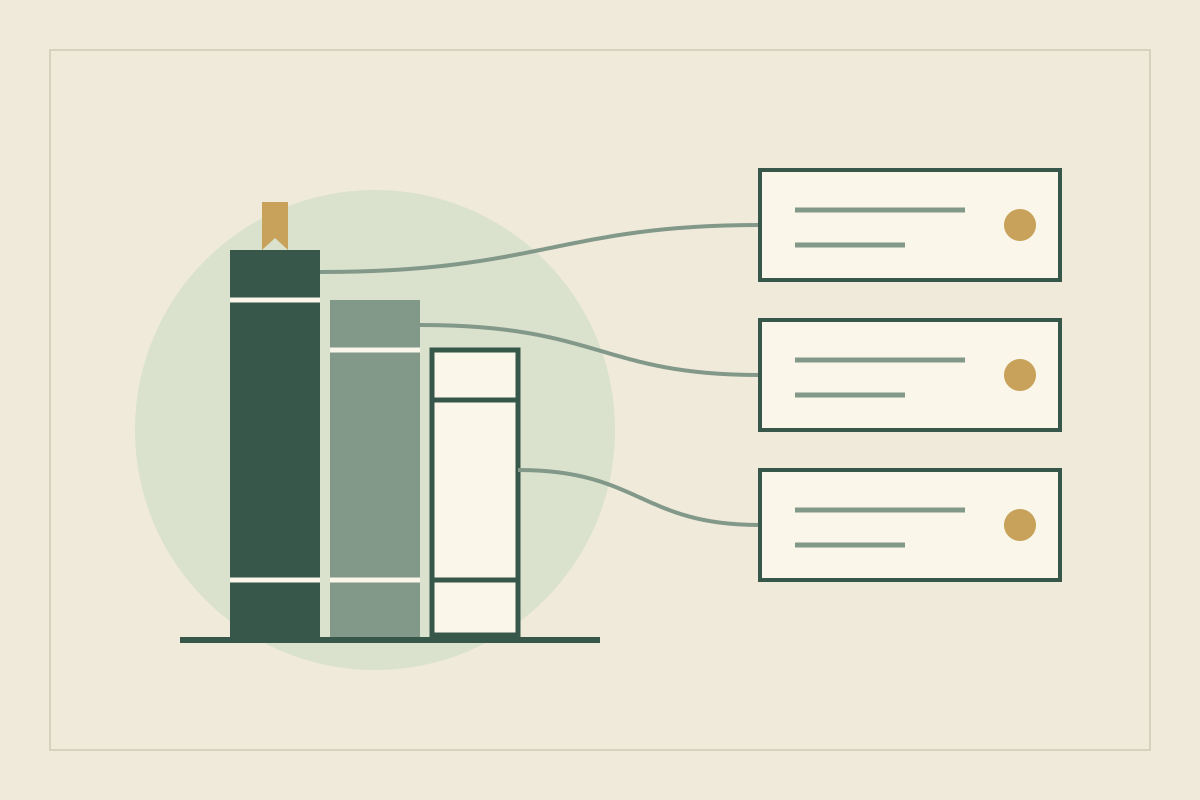
An entry should answer the questions you ask mid-draft, in the same order every time. Keep one entry per thing; if a fact concerns two entries, store it in one and point to it from the other. Organize the bible by type, and add one short page per book listing what it established, which threads it opened and closed, and any spelling decisions from its edit.
A character entry in the Merrow bible looks like this:
Bastian Rook
Role: Wren’s uncle, smuggler on the Narrow Cut
On the page:
  - Lost two fingers of his left hand (Book 1, ch. 4)
  - Calls Wren “Lockling” (Book 1, ch. 2; Book 2, ch. 9)
Readers know: He smuggled for the Lantern Guild (Book 2, ch. 15)
Wren knows: Not yet
Author only: He knows Magistrate Oriel is Wren’s aunt
Open threads: His debt to the Guild (planted Book 2, ch. 21)
The citation after each fact is what keeps the bible usable. Without it, every doubt sends you back to rereading whole books.
Track what readers know apart from what is true#
For each important fact, keep three layers apart: what is true in the world, what readers have been told or shown, and what each character knows. A fourth state helps with mysteries: hinted, where readers have clues but no confirmation.
| Fact | Readers | Wren | First on the page |
|---|---|---|---|
| Oriel is Wren’s aunt | Told, in Oriel’s viewpoint chapter | No | Book 2, ch. 18 |
| The Guild forged the lock records | Hinted | Suspects | Book 1, ch. 20 |
| Pim’s father is alive | Nothing | No | Not yet decided |
Book three’s tension depends on this table. Readers watch Wren trust Oriel while knowing what she does not; forget which layer a fact sits in, and you either spoil a reveal or repeat it as news. Note, too, which details were mentioned only once and may need a light reminder. The timeline guide handles the same split between events and knowledge within one book.
Update at fixed points#
Updating constantly turns drafting into clerical work, and updating rarely lets errors pile up. Fixed points work better:
- While drafting, keep a short “to check” list instead of stopping to edit entries.
- After a full draft, add new commitments and close resolved threads.
- After final edits, reconcile the bible with the text as it will be printed. Late edits can change names, timings and spellings, and the printed version is canon.
- Before the next book, reread the open threads and the previous book’s page, and decide which threads the new book must carry.
When you change a fact already in print, record the change and the reason, so a later book does not bring back the old version.
Run a continuity check before book three#
Before drafting book three, the Merrow author looks up every entry the new outline touches.
Bastian’s hand. Book one says left; book two, chapter 12, mentions “his ruined right hand.” Copies already sold cannot be changed, so the author records both citations, treats left as canon because it came first, and avoids naming the hand in book three.
Pim’s age. Pim is nine in book one. Book two was planned for three years later but calls him eleven. Nothing in the bible requires three years, so the gap becomes two, the dated events move, and in book three, set a year later, Pim is twelve.
The Narrow Cut. The terms page says “Narrow Cut”, but the new draft keeps writing “Narrows Cut”. The bible catches it before an editor has to.
Oriel’s secret. Readers have known since book two; Wren has not. The outline has her learn it in chapter 6, so the “Wren knows” line changes only once that chapter is final, not when it is planned.
Each check took a lookup rather than a reread, because every fact carried a citation.
Compare three ways to keep the bible#
The habits above matter more than the software, but tools make some of them easier. Each of these three approaches suits a different kind of writer.
A single document#
One file in Word or Google Docs, with a heading per entry, is the quickest to start and the easiest to send to an editor. Its weakness appears with size: links are manual, facts get copied into several places, and the timeline becomes a separate table you keep in step by hand.
Connected notes in Obsidian#
Obsidian stores notes as Markdown plain-text files in a vault, a folder on your own computer (storage). Each entry becomes a note linked with [[Bastian Rook]], and renaming a note can update links to it across the vault (internal links). The Backlinks plugin lists notes that link to the active note and unlinked mentions of its name, which is the heart of a continuity check (Backlinks).
Properties suit a bible well: fields stored as YAML at the top of a note, in types such as text, list, number and date (Properties). Give each note a first_book property, and a search such as [first_book:2] finds everything book two introduced (Search). The Templates core plugin inserts your entry shape into the active note (Templates). The Obsidian notebook guide shows a small starting setup.
A worldbuilding workspace: Yazar.io#
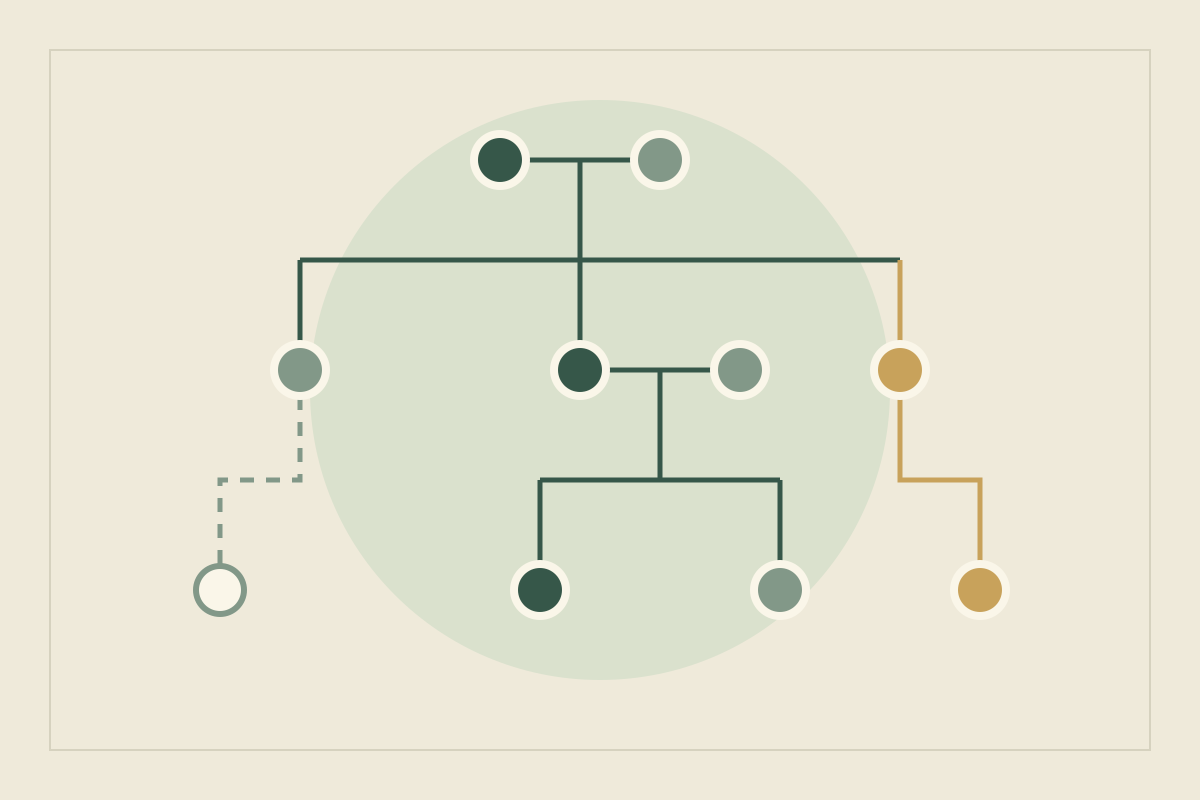
Yazar.io is a web workspace that sits beside a manuscript in Word or Google Docs rather than replacing it. Its sections cover most of a bible from the start, including Characters, Locations, Organizations, Lore, Items and a Glossary, plus a drag-and-drop family tree. Type a name and it links itself, or type @ to pick one, and every page has a backlink panel showing who mentions it (features). For a novelist’s series, it is a strong fit with little setup.
Two features map closely onto the habits above. Field templates per section let every character carry the same “First appears” and “Readers know” fields, in types including text, choice and relationship; a template change never touches existing records, so settle the fields before entering book one’s cast. Timeline events take free-text dates such as “Book 2, spring”, link to the characters and places involved, and appear on their pages in timeline order, which is where Pim’s age gets checked (updates). Notes move through statuses from Idea to Used, a natural home for open threads.
Know the limits before moving a series in. Quick search works within one book, so consider keeping the whole series in one Yazar.io book rather than one per volume. There is no import tool, so an existing bible must be retyped (offline FAQ). The free plan allows 2 books and 15 editable records per entity type in each book, which a series cast will outgrow; Glossary, Timeline, Notes and Quotes are unlimited, and Pro removes the record limit (plans). If readers want a companion, each book can publish a read-only wiki with chosen sections, free on both plans. Notes are never included, and the Timeline is off unless you turn it on (wiki, updates), so keep spoilers in notes. Yazar.io stores entity descriptions, notes and custom field values encrypted with AES-256-GCM (privacy).
| Task | Single document | Obsidian | Yazar.io |
|---|---|---|---|
| Getting started | Nothing to set up | Design your own folders, templates and properties | Ready-made sections; add field templates |
| Finding every mention of a character | Find in the document | Backlinks, including unlinked mentions | Backlink panel on every page |
| Tracking what readers know | A heading or table you maintain | A property on each note, searchable | A template field, or a note with a status |
| Ages and dates | A table kept by hand | A structure you build yourself | Timeline events listed on each character’s page |
| Sharing with readers | Send or export the file | Share copies of the files | Free read-only wiki; notes never included; Timeline off unless you publish it |
| Leaving | Already a file | Already Markdown files | Markdown or JSON export |
Scale the bible to the series#
- A duology or a standalone with a sequel: a document with the entry shape above is often enough. The citations matter more than the tool.
- A trilogy and beyond: links and backlinks start to repay their setup, and the book pages and reader-knowledge table become the parts you consult most. This is where Obsidian or Yazar.io earns its place.
- A long series or several viewpoints: track knowledge per viewpoint character and keep one timeline for the whole series. If a co-writer needs access, decide who maintains canon: Yazar.io keeps one account on the records.
For a wider shortlist that includes World Anvil and Campfire, see the best worldbuilding tools.
Common series-bible mistakes#
- Recording plans as canon. A note about what might happen in book four reads like fact a year later. Label plans clearly or keep them in the ideas file.
- Facts without sources. An uncited fact forces a reread the first time you doubt it. Add the book and chapter as you go.
- One fact in several entries. Copies drift apart. Give each fact one home and point to it.
- A bible bigger than the books. If maintaining it takes longer than drafting, cut it back to what a later book could contradict.
Update, 21 October 2026: Added a link to the worldbuilding questions checklist. Corrected the Yazar.io wiki (notes stay out; the Timeline can be published and is off by default) and stated AES-256-GCM encryption for entity descriptions, notes and custom field values. The manuscript stays in Word or Google Docs.
Sources
- Obsidian: How Obsidian stores data · October 11, 2026
- Obsidian: Internal links · October 11, 2026
- Obsidian: Backlinks · October 11, 2026
- Obsidian: Properties · October 11, 2026
- Obsidian: Search · October 11, 2026
- Obsidian: Templates · October 11, 2026
- Obsidian: Back up your Obsidian files · October 11, 2026
- Yazar.io: Features · October 21, 2026
- Yazar.io: Product updates · October 21, 2026
- Yazar.io: Plans and limits · October 21, 2026
- Yazar.io: Shareable wiki · October 21, 2026
- Yazar.io FAQ: Can I use Yazar.io offline? · October 11, 2026
- Yazar.io: Privacy policy · October 21, 2026