The short answer
Choose by the task that keeps interrupting your writing. For a connected reference beside a manuscript in Word or Google Docs, Yazar.io is a good fit; for local Markdown notes, Obsidian; for an article-and-map world wiki, World Anvil; for modular planning, Campfire. Check backup, export, and plan limits before committing. This shortlist is based on official documentation, not a hands-on comparative test.
Before choosing software, name the task that keeps interrupting your writing. Losing a character detail is a retrieval problem. Forgetting when a war ended is a chronology problem. Spending hours formatting an entry you will never reread is a workflow problem. A larger application does not necessarily solve any of them.
This is a starting shortlist organized by need, not a scored ranking or a hands-on review. Product descriptions below come from the linked official documentation, checked between 6 and 10 October 2026. We have not conducted comparative usability, reliability, or export testing. Pricing is deliberately omitted; check current terms before committing.
For a connected novel reference: Yazar.io#
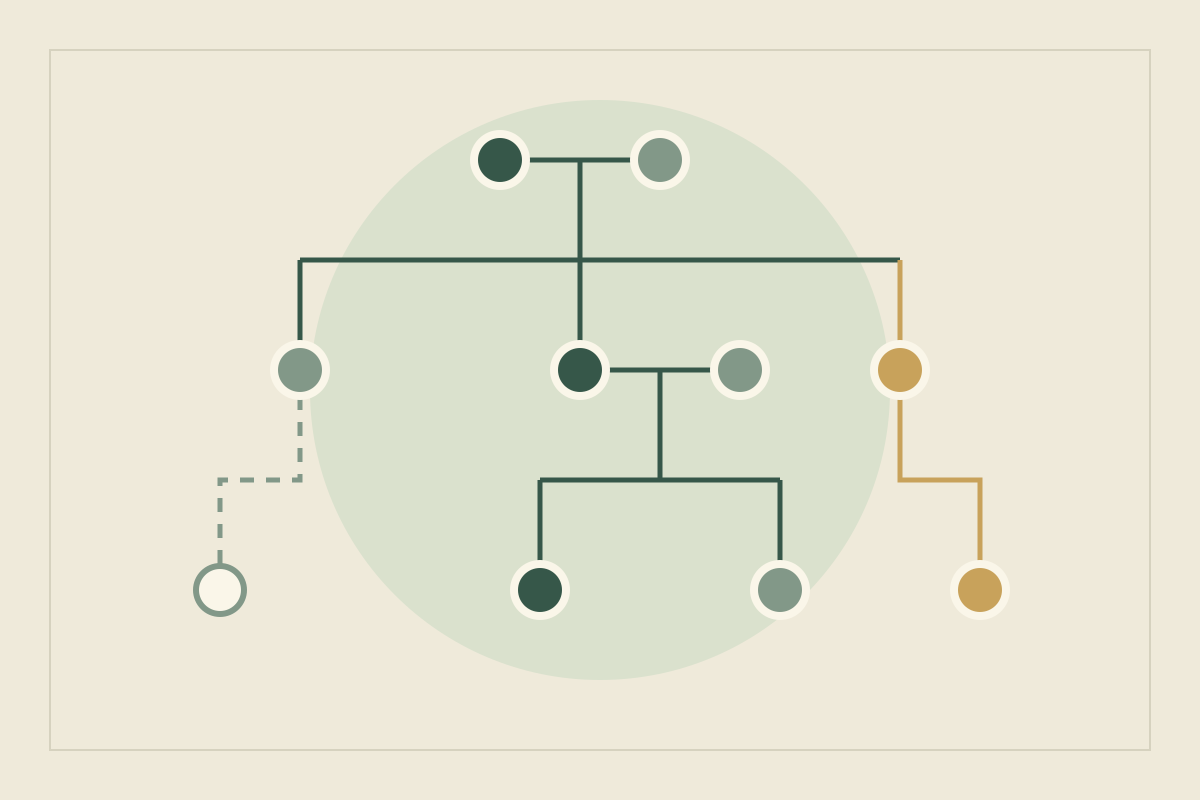
Yazar.io is built for a specific job: keeping a novel’s world organized while the manuscript itself stays in Word or Google Docs. It is well suited to that job. Characters, locations, organizations, lore, races, creatures, items, spells, beliefs and a glossary each get their own section, alongside a drag-and-drop family tree, a timeline and notes (features, plans).
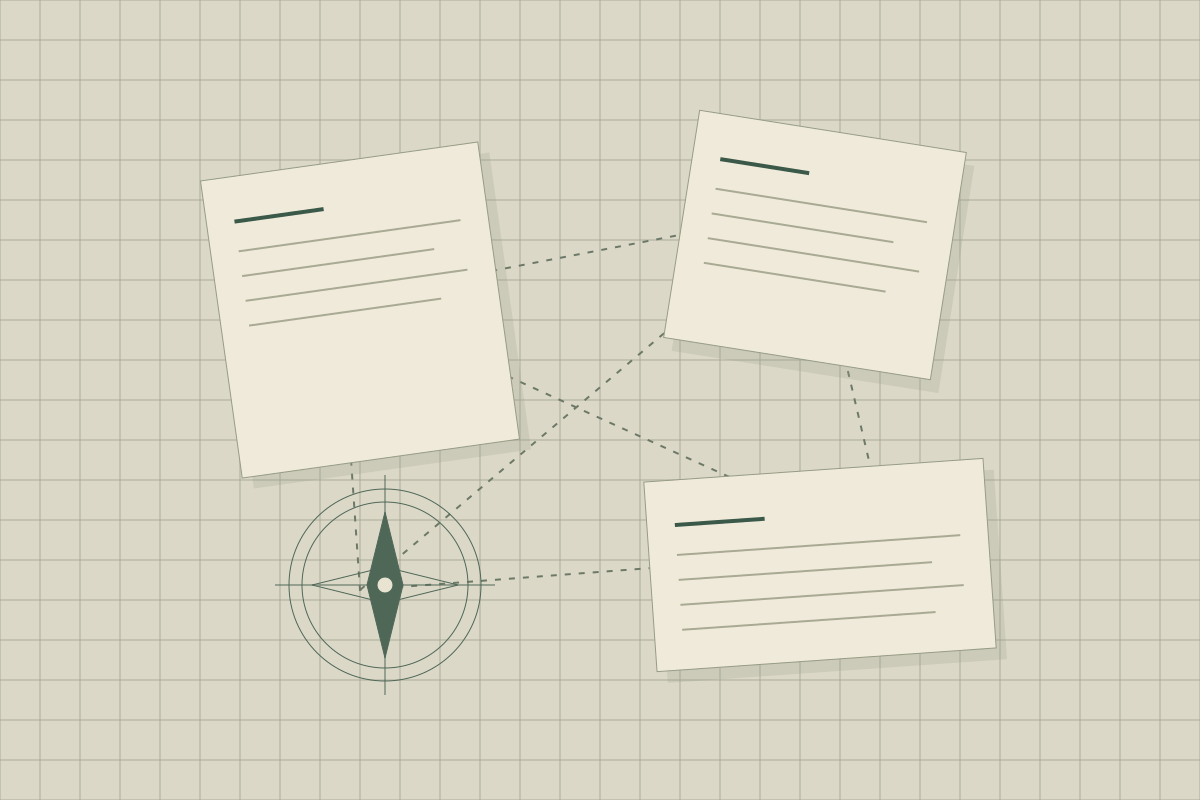
What makes it more than a set of folders is the linking. Type a character’s name in another entry and Yazar.io links it automatically; every page has a backlink panel showing where it is mentioned, and timeline events can be tied to the characters and locations involved (updates). If you want to share the world with readers, a book can become a read-only wiki on the free plan, with notes never included and the Timeline off unless you publish it (wiki, updates). The whole book exports as Markdown or JSON, and Yazar.io does not generate text for you.
For an evaluation, create two characters, their shared location, and an event that changes their relationship, then open one of the characters and look at the backlink panel. If the connection you need appears without reorganizing anything, the tool fits your process.
For connected notes: Obsidian#
Obsidian stores notes as Markdown-formatted plain-text files in a local folder, according to its storage documentation. That makes it a candidate when keeping the underlying writing in ordinary files is a priority.
Our editorial suggestion is to begin with only three kinds of note: people, places, and open questions. Link a character to the place where they live. Add complexity only when a real retrieval problem appears. The tradeoff of a flexible notebook is that designing the notebook can become a project of its own.
For a world wiki: World Anvil#
World Anvil’s worldbuilder workflow describes articles as the core of a world and explains linking map markers to them. Its documentation also makes an important distinction: you supply the map image; it is not a map-drawing application.
Consider this approach if you think in entries that a reader or player may explore. Before migrating a large world, create one location and three related entries. Check whether maintaining the links is comfortable enough to become a habit. That is a suggested evaluation exercise, not a report of testing we performed.
For structured planning: Campfire#
Campfire presents a collection of writing and worldbuilding modules on its worldbuilding tools page. The organizing idea is a set of dedicated spaces for different elements of a story rather than an entirely blank notebook.
Try describing one character whose loyalties change during the story. Ask whether the structure helps you capture the change, or encourages filling fields that your manuscript does not need. A tool should support the questions you ask, not quietly replace them with its own.
For an early idea: a notebook or plain document#
A small project may need only a document with headings and a separate list of unanswered questions. This is especially useful while the premise changes frequently: you can rewrite a page without maintaining a network of dependent entries.
Strengths
- Very little setup before you can write
- You choose the structure as the world develops
Tradeoffs
- Connections need to be maintained manually
- Retrieving details becomes harder as notes accumulate
Neither advantage is universal. A paper notebook suits some writers and creates friction for others. Judge it by whether you can recover yesterday’s useful idea, not by whether it looks like a complete encyclopedia.
Compare the work, not the feature count#
| Your recurring task | Approach to investigate | What to check yourself |
|---|---|---|
| Keeping a novel’s world beside its manuscript | Yazar.io | Do its sections, links, and plan limits fit your project? |
| Linking fragments of lore | Local connected notes | Can you find and move your files? |
| Sharing a reference world | World wiki | Who can see each entry? |
| Planning story elements | Structured modules | Does the structure fit your writing? |
| Exploring a changing premise | Notebook or document | Can you recover important decisions? |
| Drafting and planning in one app | Structured modules with a manuscript space | Does tagging story elements in the draft help you? |
| Building a world with co-writers | A tool with documented shared editing | Who can edit, and how are conflicts settled? |
Use the same small sample in every candidate: two characters, one location, one event, and a contradiction you have not resolved. Then attempt to retrieve a detail without reorganizing anything. Finally, investigate backup and export before entrusting the tool with your only copy.
Walk one sample through every candidate#
Make that sample concrete. Two characters, Ilka and Teodor. One location, the salt market at Vessa. One event, the night the granary burned. One contradiction, kept as an open question: chapter 3 puts Teodor in the market that night, while his record says he was at sea. Enter the same five records, worded identically, in each candidate. Then work through four steps and note where you stalled.
- Connect. Link both characters to the market and the fire. In Yazar.io, the fire can be a timeline event tied to both characters and the market. In Obsidian, a link from the fire note to each character is enough. In World Anvil, each record becomes an article. In Campfire, notice which module each record lands in. In a document, it is a heading and a sentence.
- Retrieve. Starting from Teodor, find everything that mentions him. Yazar.io’s backlink panel and Obsidian’s core Backlinks plugin both list incoming references; Obsidian also shows unlinked mentions of a note’s name. Elsewhere, count the searches it takes.
- Resolve. Decide that Teodor was at sea, fix his record, and check how many other entries still place him in the market.
- Leave. Export or back up the five records and open the copy outside the tool. If the links, the event and the open question still make sense, the exit works for you.
What changes for novelists, game masters and groups#
Novelists#
You need answers mid-draft and a clean way to change a fact in revision. If the manuscript stays in Word or Google Docs, Yazar.io is built for that split. If you would rather draft and plan in one app, Campfire’s Manuscript Module lets you tag story elements such as characters and locations as you write (word processor). If plain files matter most, start with Obsidian.
Game masters#
Players browse rather than read in order, which suits World Anvil’s articles linked to map markers. Yazar.io’s read-only wiki also gives players something to browse. Notes are never included, and the Timeline stays off unless you publish it. It does not include map markers. Before a session, open the shared version as a player would and confirm that your preparation is hidden.
Shared-world groups#
Co-writers need shared editing and an agreed canon. Campfire’s FAQ describes inviting collaborators to view, comment on or edit a project, and link sharing that only allows viewing. Yazar.io keeps one account on the records, and the read-only wiki shares the result. For Obsidian and World Anvil, check current collaboration documentation first.
Before you move a whole world#
Ask these questions with the sample, while mistakes are cheap.
- What leaves, and in what form? Obsidian notes are already Markdown files in a folder. Yazar.io exports a whole book as Markdown or JSON. Campfire’s FAQ describes a “Download Project Backup” command in the File menu, and exporting elements to formats such as DOCX while online. For World Anvil, read the current export documentation.
- Can you restore it? Campfire says backups can be restored from the File menu. Whatever the tool, a copy you have never reopened is untested.
- Is your sync a backup? Obsidian’s backup guide says syncing services are not designed for backups, and calls its File recovery plugin useful but limited.
- Do connections survive? Check whether links, timeline order and family relationships come out as structure or as plain names.
Common mistakes when choosing a tool#
- Migrating before evaluating. Moving a hundred entries before the five-record sample turns a trial into a commitment.
- Expecting a map editor. World Anvil links markers to a map image you supply. Yazar.io keeps places as linked records and does not include a map editor. Draw the map first, starting from a difficult journey.
- Copying a fact into several entries. Give each fact one home and link to it, or every revision becomes a search.
- Judging limits by the sample. Yazar.io’s free plan allows 15 editable records per section: plenty for this exercise, perhaps not for a series.
Need something to put in those notes? Start with a magic system built around consequences or a culture built around everyday choices. Planning several books? See how to keep a story bible for a series.
Update, 21 October 2026: Reframed the Yazar.io limits so the manuscript staying in Word or Google Docs is the caveat, and corrected the wiki so notes stay out while the Timeline can be published and is off by default. Update, 10 October 2026: Expanded the Yazar.io entry with features and limits from its public feature, pricing, wiki, and update pages. Added a worked sample walkthrough, guidance for novelists, game masters and groups, migration questions, common mistakes and two comparison-table rows. Yazar.io was added to the shortlist and comparison table on 8 October 2026. Earlier product sources retain their original access dates.
Sources
- Obsidian: How Obsidian stores data · October 6, 2026
- Obsidian: Backlinks · October 10, 2026
- Obsidian: Back up your Obsidian files · October 10, 2026
- World Anvil: Worldbuilder workflow · October 6, 2026
- Campfire: Worldbuilding tools · October 6, 2026
- Campfire: Word processor · October 10, 2026
- Campfire: Frequently asked questions · October 10, 2026
- Yazar.io: Description of the service · October 8, 2026
- Yazar.io: Features · October 10, 2026
- Yazar.io: Plans and limits · October 10, 2026
- Yazar.io: Product updates · October 10, 2026
- Yazar.io: Shareable wiki · October 10, 2026