The short answer
Consider Obsidian when local Markdown files are central to your workflow, and World Anvil when reference articles connected to mapped locations are the organizing idea. Neither is an automatic winner. Evaluate the same sample project, then verify current privacy, backup, export, and plan conditions before moving your work.
A private collection of fragments and a reference world for readers are different writing tasks. Comparing their feature lists without deciding which task matters can make two suitable tools look like substitutes when they would play different roles in your process.
This comparison uses official documentation checked on 8 October 2026, with later additions checked on 10 October 2026. It is not a hands-on test, performance benchmark, price comparison, or assessment of either company’s reliability. The recommendations below are editorial judgments about workflow fit.
Compare the underlying organization#
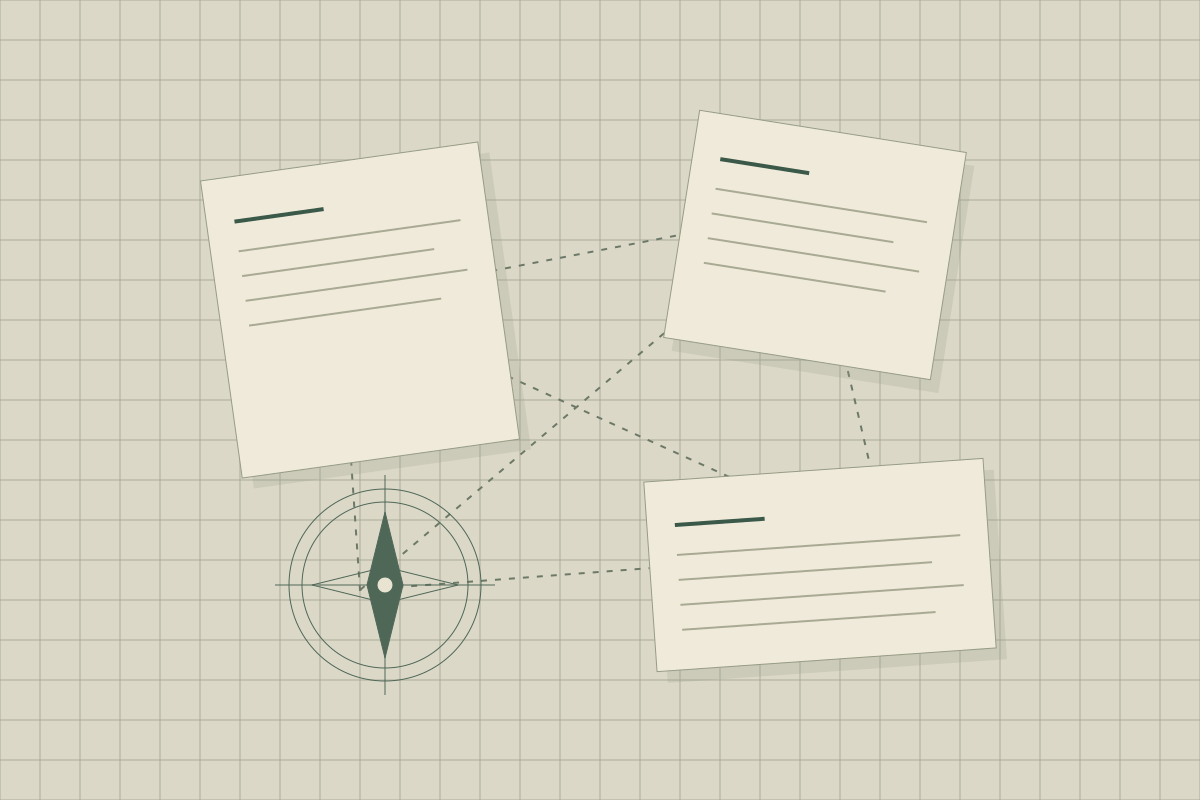
Obsidian’s storage documentation describes notes as Markdown files in a local folder. Its linking guide explains connections between notes. A local collection of linked text is therefore a reasonable starting point for evaluating it.
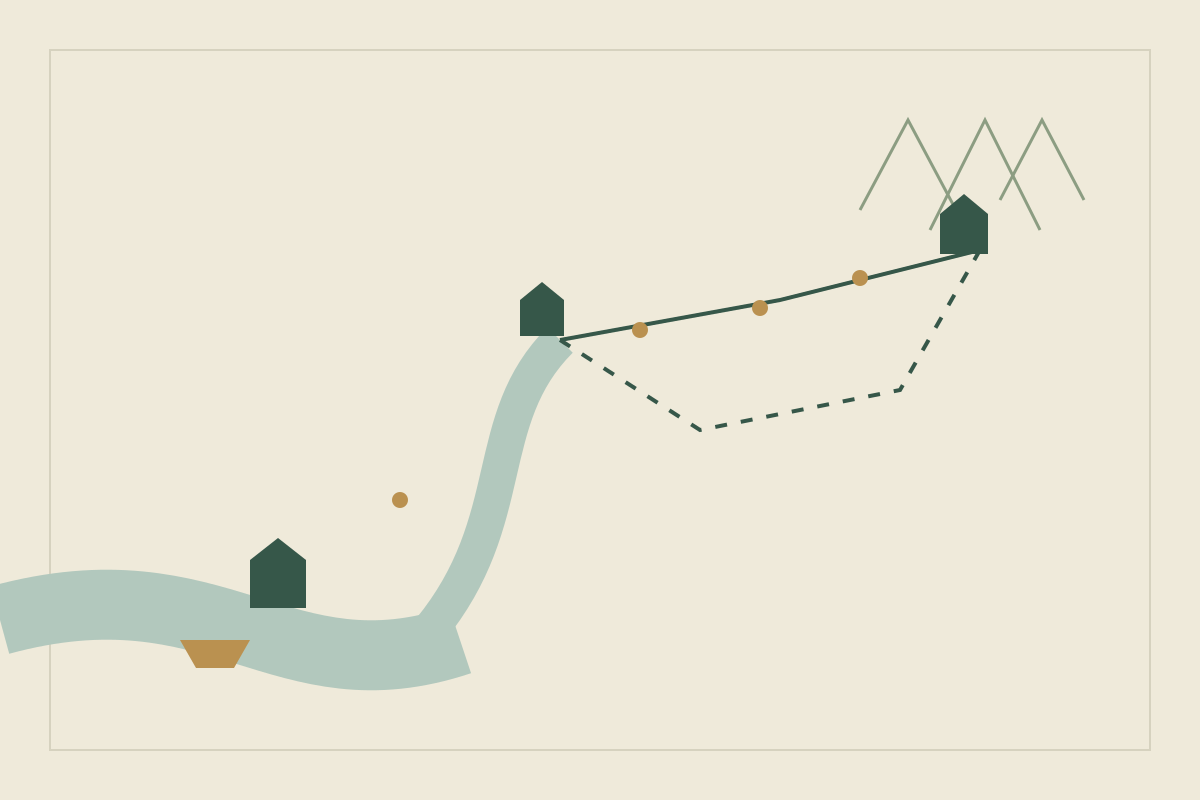
World Anvil’s worldbuilder workflow organizes a world around articles and describes connecting map markers to them. It also says that the map image must already exist: this is different from drawing the map itself.
Those are documented starting points, not proof that either workflow is faster or easier for you. Both require decisions about what deserves its own entry, how to name it, and when to revise it.
| Criterion | Obsidian | World Anvil |
|---|---|---|
| Core material | Local Markdown notes | Worldbuilding articles |
| Location organization | Connect your location notes | Connect supplied map images and articles through markers |
| Your evaluation task | Retrieve and revise a connected fact | Navigate a place and its related entries |
| Check separately | Your backup and sharing arrangements | Current visibility, backup, export, and plan conditions |
Give both tools the same small world#
Use two characters, one landing place, a disputed ferry permit, and a winter when the river froze. Give every record a purpose. One character owns the boat; the other can revoke the permit. The location note explains why the crossing matters.
Perform three tasks: find who issued the permit, change the issuer, and identify the scenes affected by that change. Record where you hesitated or duplicated information. Do not count a graph, template, or map as a benefit until it helps you complete one of those tasks.
Run the permit exercise step by step#
Call the boat owner Mara and the customs officer Ilan, and make Ilan the permit’s issuer.
Find the issuer. In Obsidian, open Ilan’s note and check the core Backlinks plugin. It lists notes that link to him and, separately, unlinked mentions of his name. In World Anvil, start from the landing’s article or its map marker and see whether the permit is one step away.
Change the issuer. Now make the harbor council the issuer. Edit the permit once, then search for entries that still name Ilan. Each copy you must hunt down is a fact without a single home.
Trace the scenes. From the permit, list the scenes that depend on it. Then note whether the tool led you there or you relied on memory.
Decide whether a reader needs your working notes#
Working notes can be incomplete and contradictory. A reader-facing entry needs enough context to stand alone and must avoid revealing information you intend to withhold.
If sharing is important, investigate the current visibility controls in each candidate and test them with disposable sample material. Inspect what a visitor can access without your author account. Do not assume a setting is private from its label alone, and do not use unpublished plot secrets for that experiment.
This is an evaluation instruction, not a claim that we tested either product’s permissions. Sharing and privacy needs can outweigh an otherwise attractive organizational style.
Match the tool to who uses the world#
A novelist working alone#
Readers see the book, not the notes, so private retrieval and clean revision matter most. Obsidian’s local files start from that model. World Anvil’s browsable articles may be more structure than a solo novel needs, unless you plan to publish the setting.
A game master#
Players explore by place, so an article reached from a map marker fits their habit. The risk is spoilers: before a session, open the reference as a player would and confirm that your preparation stays out of sight. Obsidian notes suit the preparation but give players nothing to browse until you share them.
A shared-world group#
A group needs to know who may edit, how conflicting edits are settled and which copy is canon. We have not verified either product’s collaboration features, so read current documentation and try the permit exercise with two people first.
Treat exit and recovery as decision criteria#
Before a large migration, determine what can be backed up or exported under the current product terms. Examine whether your important text, images, relationships, and formatting remain useful outside the original application. Test a recovery using the sample project.
We have not verified an export feature matrix here. That gap should remain visible in your decision, not be replaced with an invented score. Likewise, consult current pricing directly if cost is decisive; this article does not establish a price winner.
For Obsidian, the backup guide describes copying the vault folder and warns that syncing services are not designed for backups. It calls the File recovery plugin useful but limited, with recovery data stored per device. For World Anvil, check whether map images and markers leave together with the articles.
Pick a starting point by your main need#
Use this after the sample exercise, not instead of it. Each row is an editorial starting point.
| Your main need | Start by evaluating | Check before committing |
|---|---|---|
| Private notes kept as ordinary files | Obsidian | Your backup routine; sync is not a backup |
| A reference that players or readers explore by place | World Anvil | What a logged-out visitor can see, and current export options |
| A novel’s world beside a manuscript in Word or Google Docs | Yazar.io (see below) | Free wiki and linked records; no map editor; one account keeps the records; plan limits for a large project |
| A premise that still changes every week | A single document for now | Whether you can still find last week’s decision |
For a concrete starting structure, use the small Obsidian notebook. If neither approach fits, the broader tool shortlist includes structured planning and a simple document.
If neither fits: Yazar.io#
If your main task is keeping a novel’s world beside its manuscript rather than building a wiki for players, Yazar.io is worth adding to the comparison. It sits between the two: more structured than an Obsidian vault, with ready-made sections and automatic name links, and lighter than a full world wiki (features). Like World Anvil it can publish a read-only wiki, free on both plans (wiki). Notes are never included, and the Timeline is off unless you turn it on. It does not include map markers. Yazar.io stores entity descriptions, notes and custom field values encrypted with AES-256-GCM (privacy). Run the same two characters, landing and permit exercise there: Ilan’s page has a backlink panel showing where he is mentioned, and the frozen winter can be a timeline event linked to both characters and the landing (updates). See our tool shortlist for more detail.
Update, 21 October 2026: Reframed the Yazar.io row around a free wiki and linked records, and stated AES-256-GCM encryption for entity descriptions, notes and custom field values. Notes stay out of the wiki; the Timeline can be published and is off by default. Update, 10 October 2026: Expanded the Yazar.io section with specific features from Yazar.io’s public pages. Added a step-by-step permit exercise, guidance for novelists, game masters and groups, Obsidian backup notes and a decision table. On 8 October 2026, a topic-specific Yazar.io suggestion had been added.
Sources
- Obsidian: How Obsidian stores data · October 8, 2026
- Obsidian: Internal links · October 8, 2026
- Obsidian: Backlinks · October 10, 2026
- Obsidian: Back up your Obsidian files · October 10, 2026
- World Anvil: Worldbuilder workflow · October 8, 2026
- Yazar.io: Description of the service · October 8, 2026
- Yazar.io: Features · October 21, 2026
- Yazar.io: Shareable wiki · October 21, 2026
- Yazar.io: Product updates · October 21, 2026
- Yazar.io: Privacy policy · October 21, 2026